The new Mobile App 2026 will replace the legacy mobile app, so it is inline with the most recent app technology used by Google Store and the App Store for Apple products.
This is an overview of the key differences:
Legacy App | New Mobile App |
Built specifically as an App to display set date as specified in the App build such as Timetables, attendance, behaviour and attainment. As such it is limited to this data. | A new build that replicates all the data available on the student page of the website that schools can control the visibility for. |
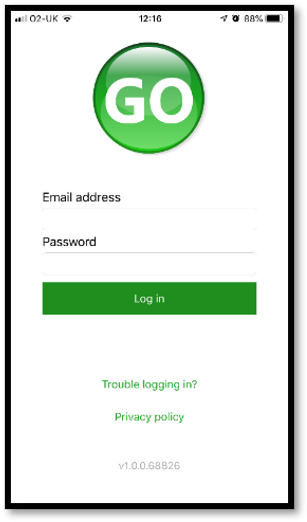
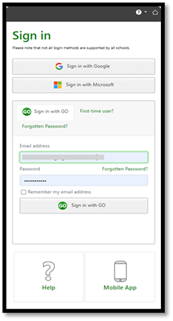
Log in page has basic sign in information. | Log in page has Single sign in options and Apple ID included.
|
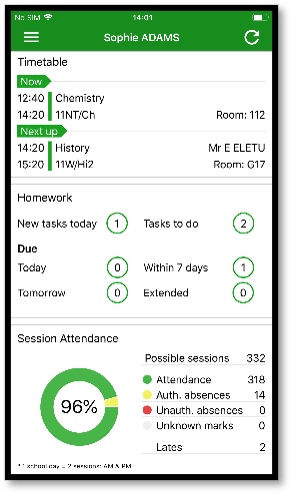
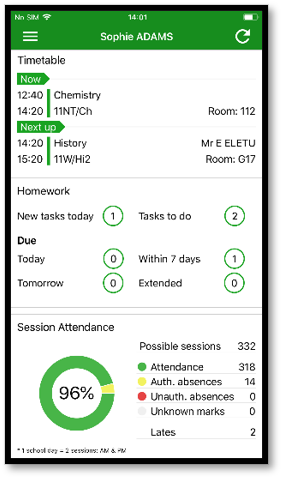
Homepage shows timetable, homework and attendance information. Need to tap into areas to see more detail such as todays timetable.
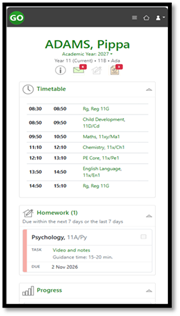
| Overview page displays today’s timetable and additional information as you scroll down the screen for general information of attendance and behaviour.
|
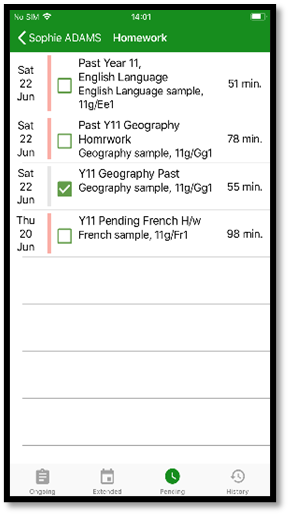
Homework is visible in a list with a tick box for students. Tap to see specific homework details.
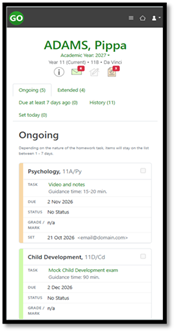
| Active homework displayed and can tap in to see details. Large tasks in separate tab.
|
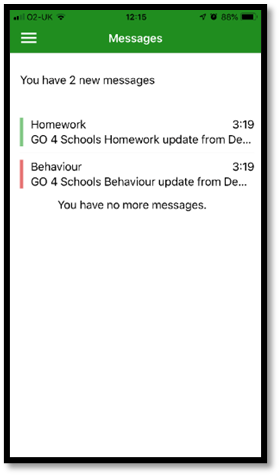
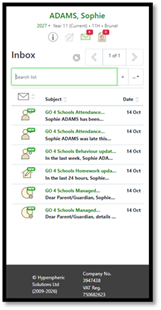
Messages viewed as a list of notifications. | Messages viewed via an inbox and show in categories for each area.
|
Attendance information has an overview of present attendance percentage and count of the mark types recorded.
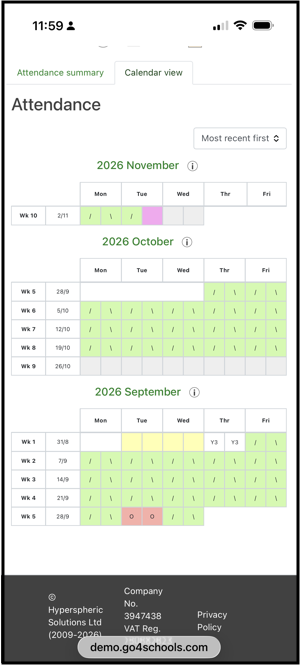
| Attendance has all the details of the overview percentage attendance, plus the calendar view of session marks and details of the types of attendance marks overtime for the student.
|
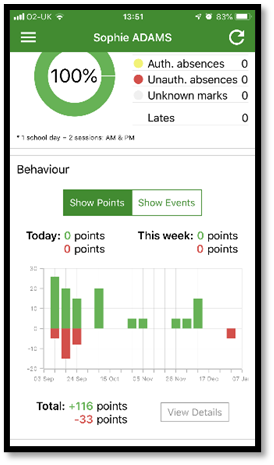
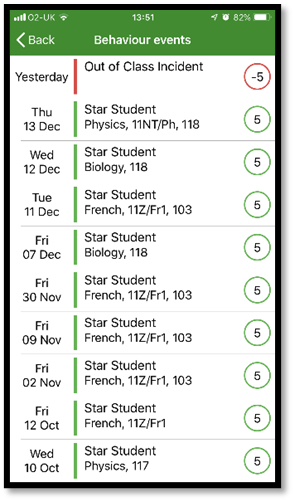
Behaviour overview of positive and negative events recorded.
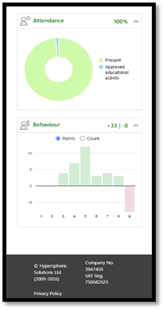
| Behaviour overview of positive and negative events recorded but more details when tap into the area.
|
Behaviour detail is a list of events with option to click into view home notes.
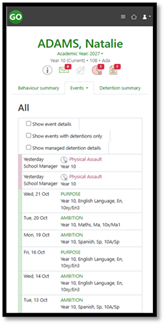
| Detailed timeline of behaviour events and counts by event type and subjects is visible. Also, detention summary details of upcoming and allocated detentions.
|
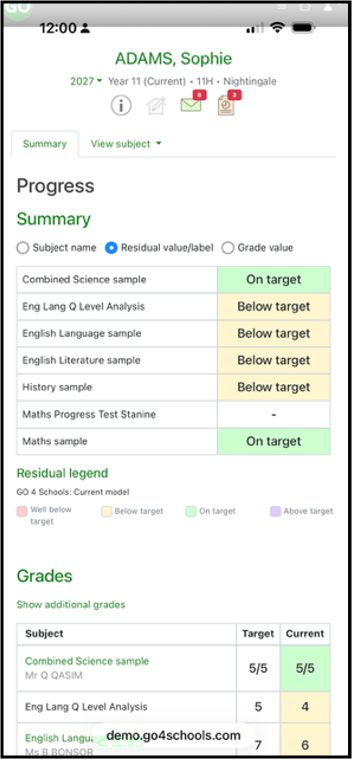
Overview of attainment shows subjects and main target and progress grades with any residuals in use.
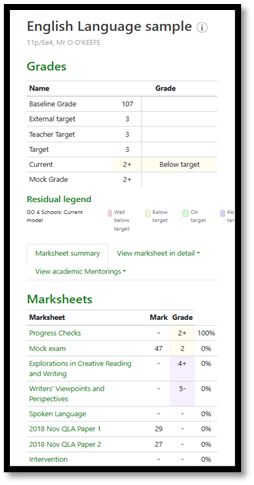
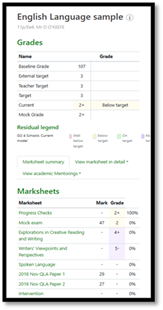
| Any grade types made visible to parents and students now show on the mobile app. Details of markbook assessments also now visible.
|
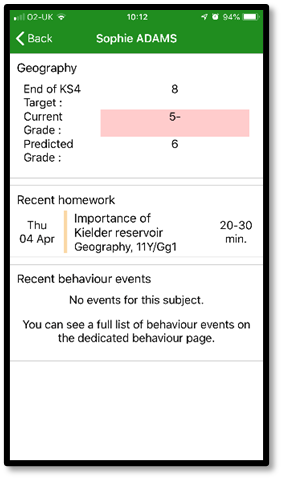
Subject detail shows an overview of all information for a subject including grades, recent homework and behaviour.
| Subject detail now shows assessment information available and details set up by the school for marks and grades, including notes.
|
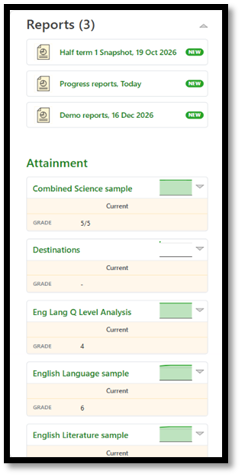
| Reports can be viewed in the new mobile app, and the PDF opens in a new window.
|
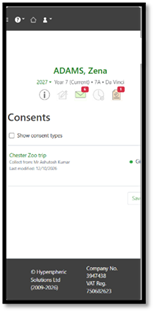
Consents available for parents and students displaying the status of each consent. Parents can update their consent via the app.
| |
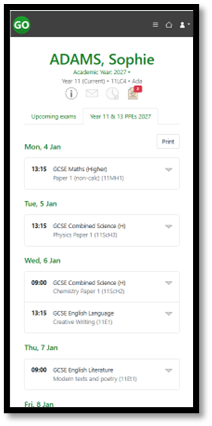
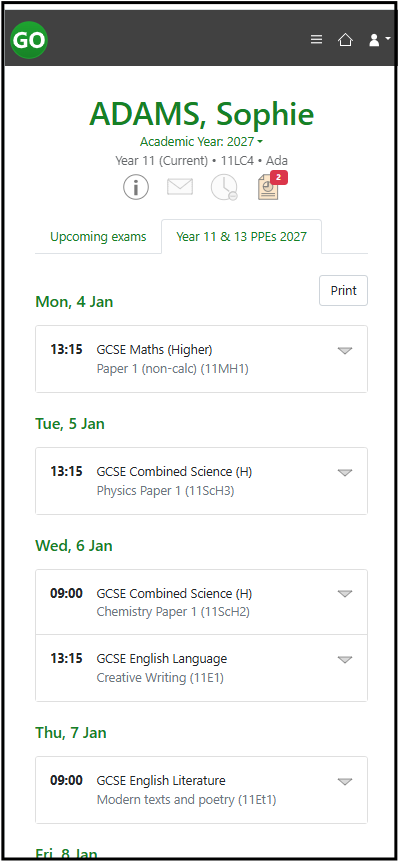
If using the MIS, Student exam timetables are visible when published to the parents and students.
| |
If published and visible to students and parents’ documents will display. |